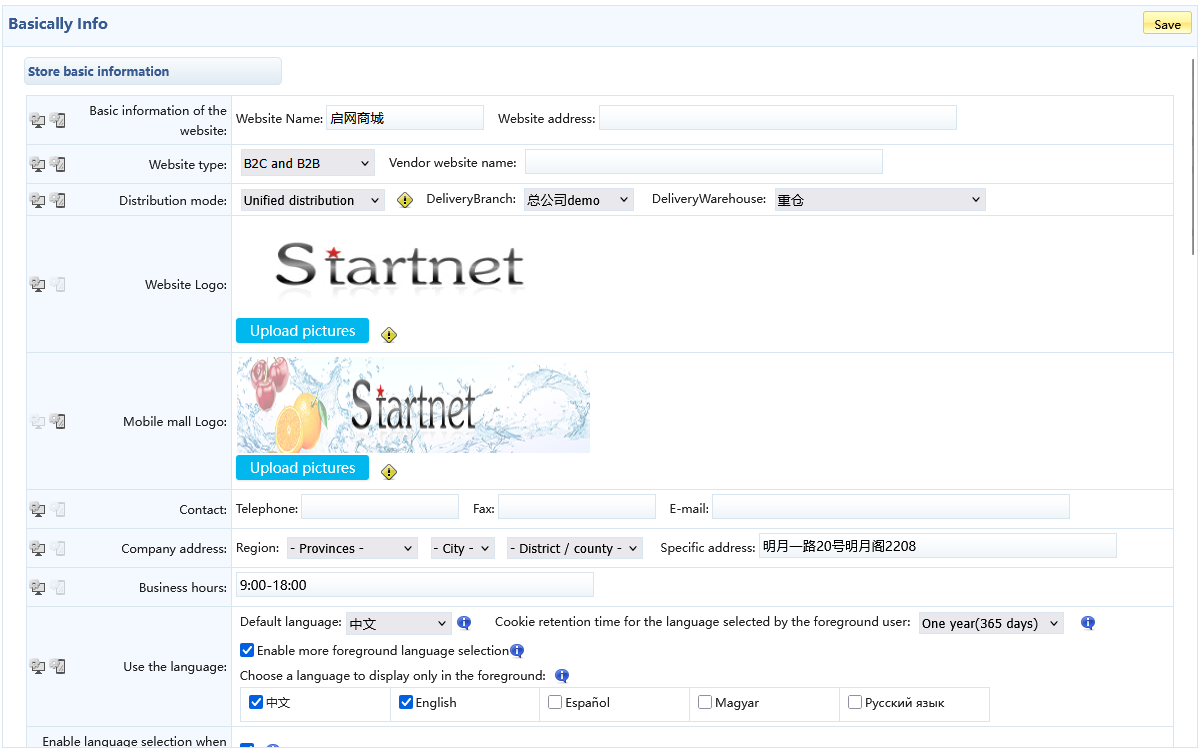
1. Website Name: This will affect the display in the webpage header, as well as the display of other names as follows:
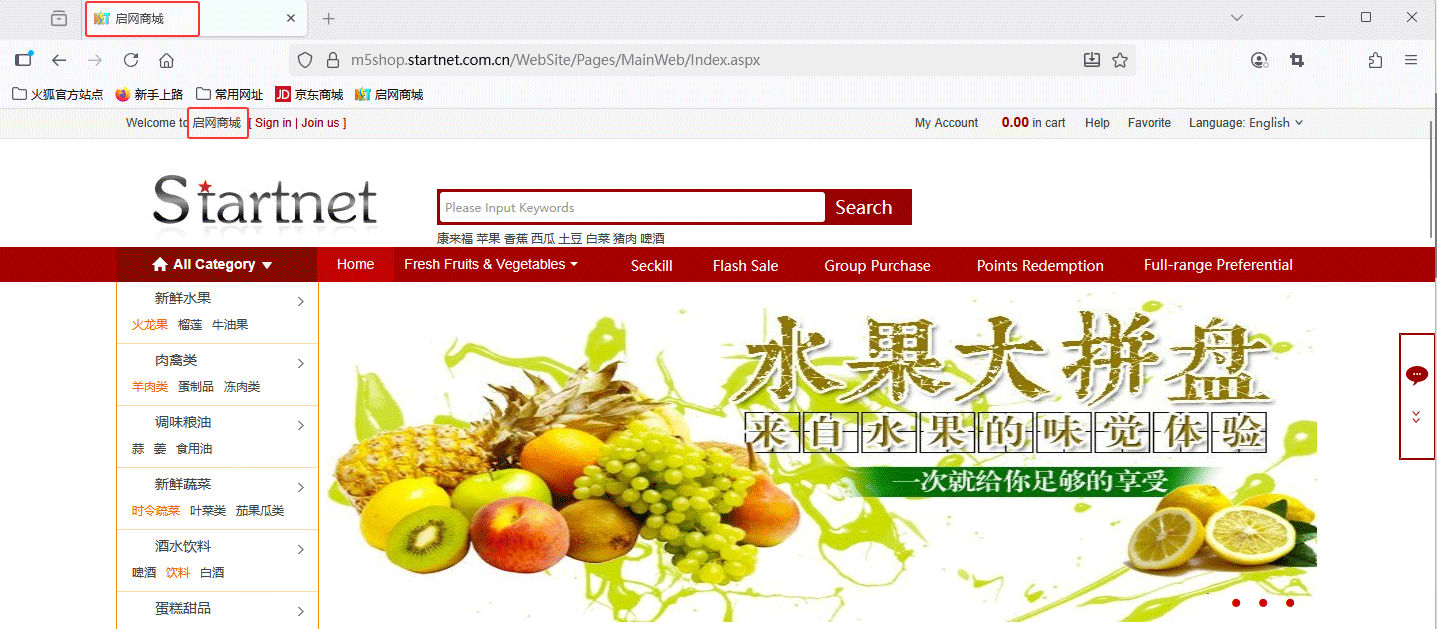
2. Website Logo: Set the logo for the website. The display effect on the website's front-end pages is as follows:

3. Language: Provides four languages: Chinese, English, Espa?ol, and Magyar. Users can select the corresponding language according to their preferences.
4. Enable more front-end language options: When unchecked, the specified front-end page language will be used by default. When checked, additional interface language options will be available for front-end users to choose from, in addition to the default language, typically displayed in the upper-right corner of the page.

5. Cookie retention period for the language selected by front-end users: You can choose a built-in cookie expiration value, or customize a value in seconds greater than zero, as shown in the figure below:

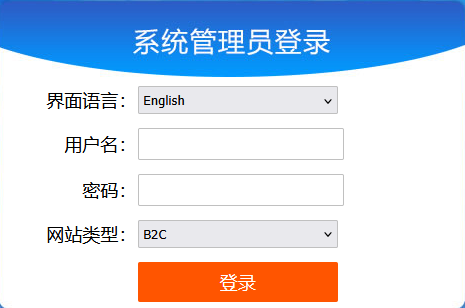
6. Enable language selection when logging into the back end: After enabling this option, please select the back-end management interface language when logging into the mall's back end, as shown in the figure below:
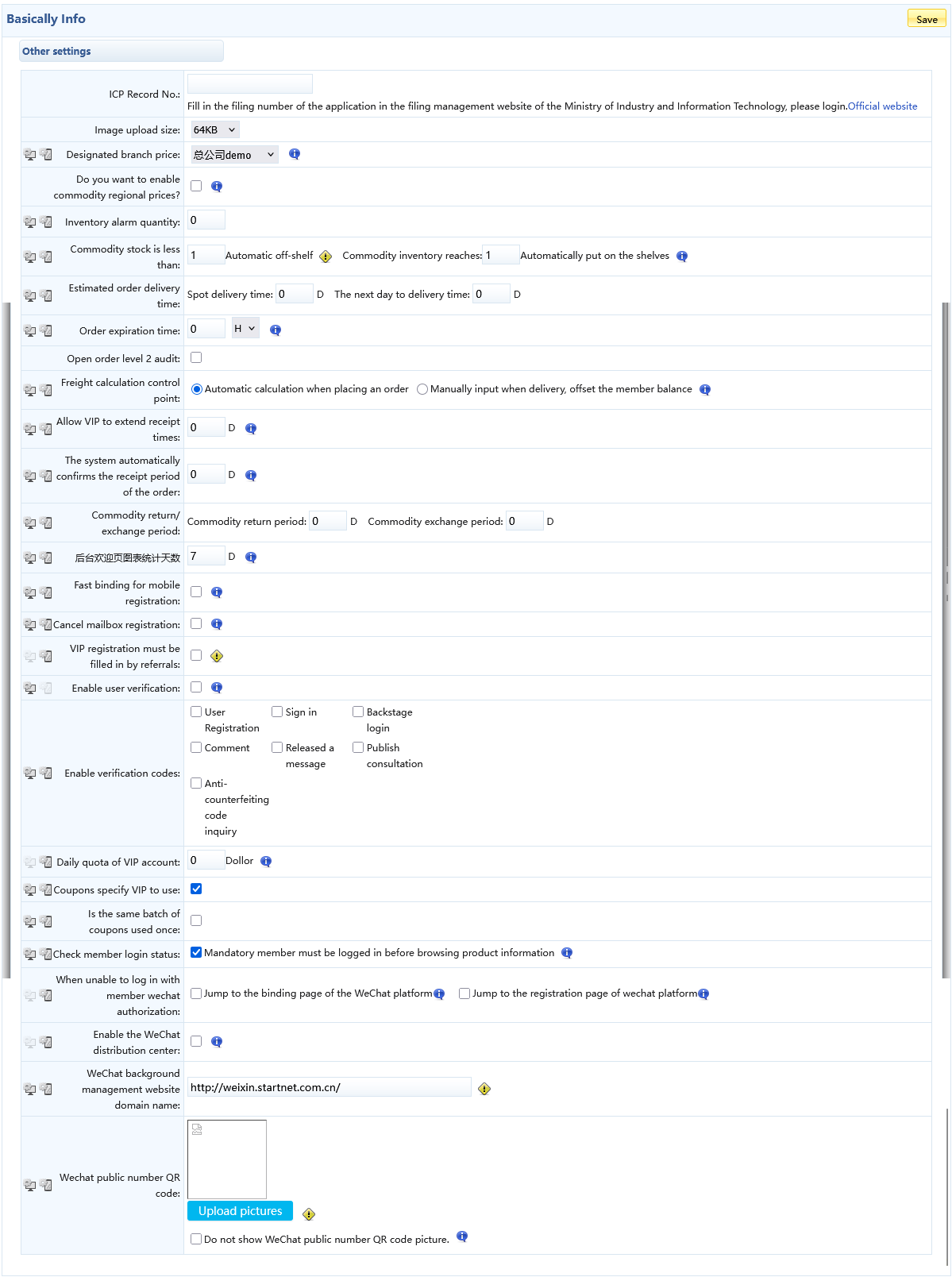
7. Product Return Period: When the time elapsed from the order completion to the current moment exceeds the return period, the return/replacement button will no longer appear, and members will no longer be able to submit return requests.
8. Product Exchange Period: When the time elapsed from the order completion to the current moment exceeds the exchange period, the return/exchange button will no longer appear, and members will no longer be able to submit exchange requests.
9. Stock Alert Quantity: When the quantity of a product in the database falls below this set value, an alert will be sent to the administrator.
10. Automatically delist products when stock is below xx: When a product's stock level falls below this value, the system will automatically delist the product, but this requires the corresponding task to be enabled in the task management.
11. Order Expiration Time: The time period after which an unpaid order will automatically become invalid.

12. Order Extension Time: The duration for which an order can be extended before it expires.

13. System Auto-Completion Order Period: The period within which the system automatically completes orders.

14. Quick Mobile Registration Binding: After enabling this option, registration items with mobile binding will not require sending a verification code SMS; the phone number will be bound directly.
15. Hide Registration Email: When this option is enabled, the email field will not appear during registration.
16. Referrer Required for Member Registration: This option only takes effect when the "Referrer Information" field is set to be displayed on the registration page via the "Member Management" → "Information Field Management" menu. When enabled, users must enter a referrer during registration. The referrer can be matched by entering an existing member's ID, name, phone number, or other identifying information.
17. Enable User Verification: After enabling this option, member information can be queried on the website to verify the existence of a member and view their related information.
18. Enable CAPTCHA: The CAPTCHA will appear on the corresponding pages according to the settings.
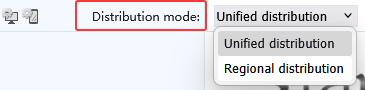
19. Delivery Method: The method of goods delivery.
20. Enable WeChat Distribution Center: Enabling this option will add the Distribution Center module.
21. WeChat Admin Website Domain: Please enter the configured QiWang WeChat admin IIS website domain. The domain must start with "http://" and end with "/". This configuration is required if you need to use features such as custom WeChat sharing, mobile store registration with referrer association, etc.!